

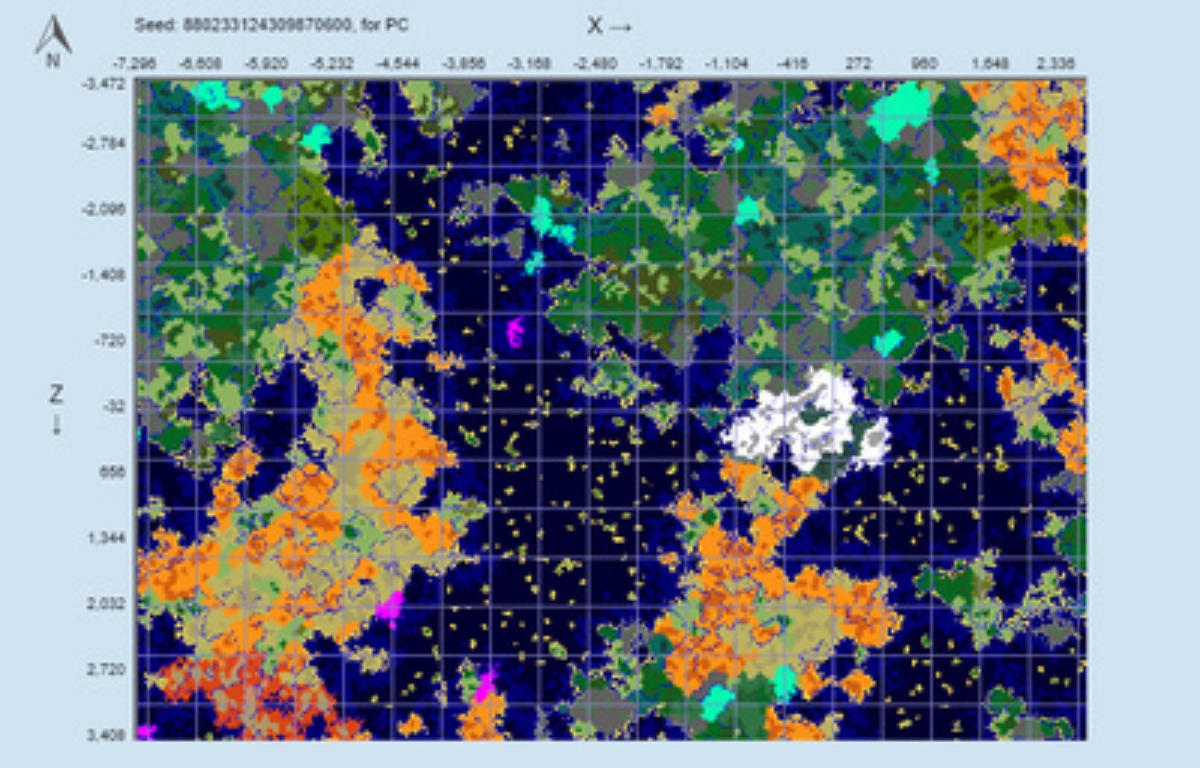
Chunkbase is the equivalent of a GPS for Minecraft players. Your world’s seed is used by a popular third-party website to create a complete map of your environment. This tool is unique and not found in other games. Although people have different opinions on the same matter, it is still crucial. By pinpointing the exact coordinates of rare biomes, villages, and even slime pits, it prevents you from spending hours aimlessly wandering. While some may consider it ‘cheating’ because it eliminates the mystery of exploration in the game, many players find it to be a vital time-saver. This tool can help you save time when gaming. The most advantageous aspect is that it’s free, compatible with both Java and Bedrock, and doesn’t require any modifications.
The process of using Chunkbase
To use Chunkbase, follow these steps.
Find Your Seed
This is the starting point! Type /seed in the chat while playing Minecraft Java. In Bedrock, locate the seed number by going to Settings > Game and scrolling down. If you are not the owner of a Realm, you will have to ask the owner for it. Either way, you will end up with it at the end.
Select Your Tool
Visit Chunkbase.com and select Apps. You have the option to select specific finders, such as ‘Village’ or another option, according to your requirements. The Seed Map is commonly used by people to quickly view everything and gain a better understanding, rather than starting from scratch.
Enter the information
Enter your seed into the top box on the screen. It’s crucial to pick the right one. Selecting what you have from the dropdown is similar to Java 1.21 or Bedrock 1.21. If this is incorrect, the structures won’t be located where the map indicates, and the point of doing it will be negated.
Filter and Zoom
Toggle structures such as Trial Chambers, Ancient Cities, or Mansions on and off by using the icons below the map. To explore places better, simply click and drag to move around.
Match the coordination
Hover your cursor over a spot to view the X and Z coordinates at the bottom right. To find the exact numbers, press F3 in Java or turn on ‘Show Coordinates’ in Bedrock while playing. Locating important things on maps and finding the best spots that can be helpful is made easier with this. If you’re interested, you can use Chunkbase too!
