

Dejan Kvrgic is the Senior Marketing Manager at AppMakers USA and serves as CMO, responsible for growth strategy and acquisition planning. With 10 plus years in digital marketing, he focuses on positioning, channel execution, and performance measurement that ties back to real customer demand. Outside of work, he spends time on sports, outdoor activities, gaming, and flying drones.
Push notifications are one of the easiest tools to abuse in mobile.
That is part of what makes them dangerous.
A good app can have a solid product, a clear value proposition, and a loyal user base, then slowly chip away at that trust because the notification strategy is lazy, aggressive, or badly timed. The app itself may be useful. The problem is that the messaging layer starts acting like every moment of user attention is available for interruption.
That is usually where things go wrong.
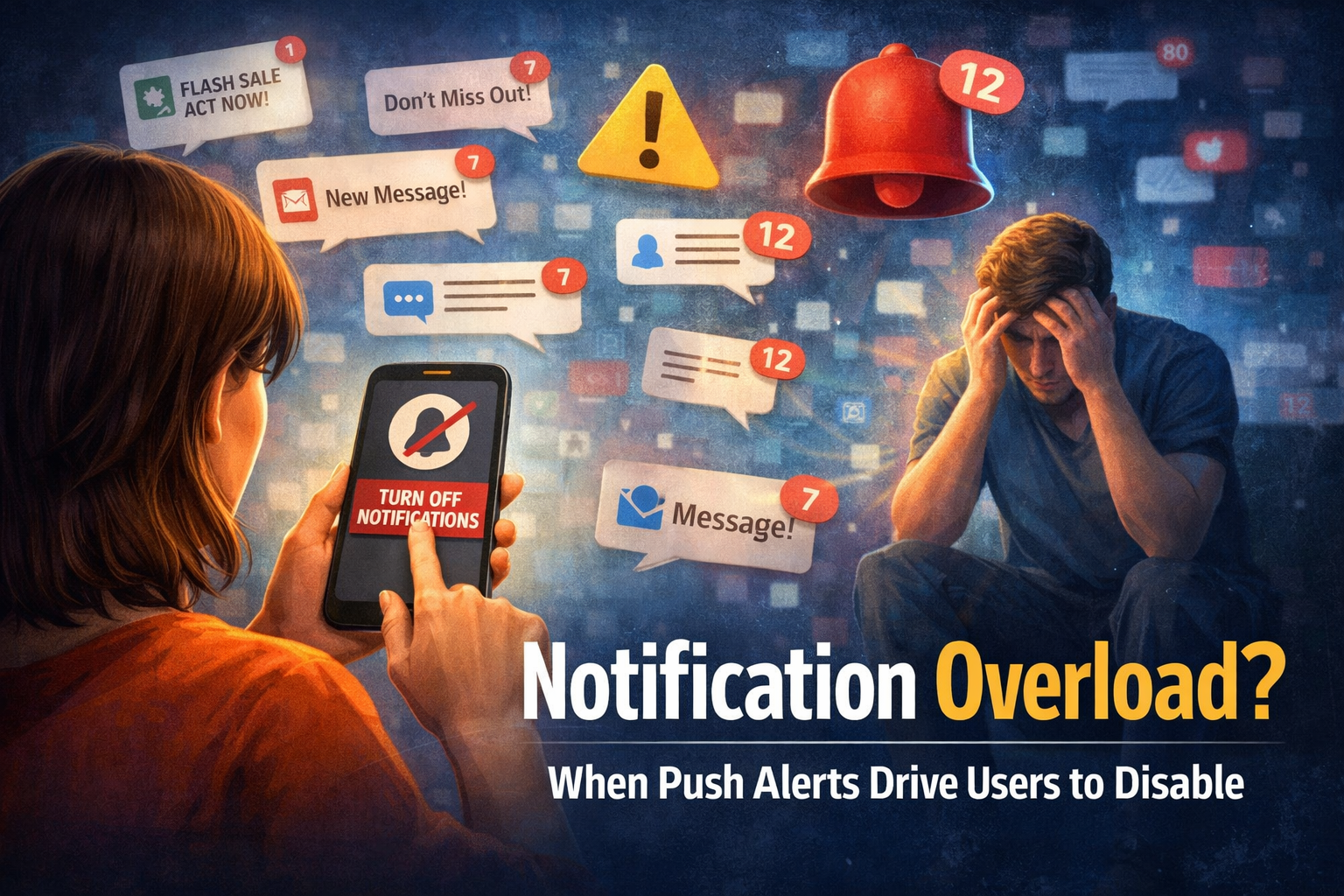
Business of Apps reports that the average U.S. smartphone user receives 46 app push notifications per day. It also cites average reaction rates of 4.6% on Android and 3.4% on iOS, which tells you something important right away: users are already flooded, and most alerts are ignored. In other words, the lock screen is crowded before your app even arrives there.
[Image: smartphone lock screen crowded with notifications from multiple apps]
The Problem Is Not Push Notifications Themselves
Push notifications are not broken by default.
When they are done well, they are useful. A fraud alert, a delivery update, a calendar reminder, a live ride status, or a message that saves the user time can make the app feel smarter and more responsive. The problem starts when teams treat notifications as a cheap engagement lever instead of a product experience.
That mindset creates bad habits. Teams begin sending alerts because they can, not because the user genuinely benefits from receiving them at that exact moment. The result is a stream of nudges that may technically increase sends, but weaken trust.
This is where a lot of product teams fool themselves. They assume more notifications means more engagement. In reality, more noise often just teaches people to ignore the app.
Most Notification Strategies Are Built Around the Company’s Needs
This is the part teams do not like admitting.
A lot of push strategies are not built around user value. They are built around company anxiety.
Marketing wants traffic. Product wants reactivation. Leadership wants retention to move. Someone sees a dip in usage and the fastest response is to send another campaign. That can feel proactive inside the business, but from the user’s side it often feels random, needy, or repetitive.
Notifications fail when the business is trying to solve its own problems through the user’s lock screen.
That usually leads to bland messages, fake urgency, and timing that makes sense internally but not contextually. “Come back now.” “You missed this.” “Don’t forget.” “Limited time.” Those messages are easy to send and hard to care about.
A notification should earn the interruption. If it does not, it becomes part of the clutter.
[Image: app dashboard on one side, annoyed phone user dismissing notifications on the other]
Frequency Is One of the Fastest Ways to Lose Trust
There is no universal perfect frequency for push notifications, because different app categories work differently. But there is a very clear point where users stop feeling helped and start feeling managed.
That line arrives faster than many teams think.
The Reuters Institute’s 2025 Digital News Report found that among people who do not receive news alerts in an average week, 43% had actively disabled them because they felt they got too many or found them not useful. That is from the news space, but the lesson travels well. Once users feel alerts are excessive or low-value, they do not politely tolerate them. They turn them off.
This matters because teams often overestimate how much goodwill they have. If an app already asks for attention through email, in-app prompts, badges, and ads, push notifications are not arriving in a clean environment. They are joining an already crowded system.
Too many teams keep pushing until the user makes the decision for them.
Bad Timing Can Ruin a Good Message
A relevant message sent at the wrong time can still feel annoying.
That is what makes notification design harder than it looks. Timing is not just about time zones or what hour gets the highest open rate. It is about whether the alert shows up when the user can actually act on it, care about it, or benefit from it.
This is why generic “best time to send” advice is often weak. A workout reminder means something different at 6 a.m. than a finance alert or a retail promotion. A business app used during field work has different rhythms than a consumer app used in spare moments. If timing is based only on campaign habits instead of user behavior, the message will miss even if the wording is technically fine.
Push notifications should match context, not just calendar logic.
That means product teams need to understand where the user is in the workflow, what they are likely doing, and whether the interruption fits the moment. If not, the right message becomes the wrong experience.
Personalization Is Often Just Cosmetic
A lot of teams say their notifications are personalized when all they really mean is that the user’s first name is in the message.
That is not personalization. That is formatting.
Real personalization changes the relevance of the alert. It reflects behavior, timing, preferences, or a meaningful state inside the product. If a message does not feel more useful because it was personalized, then the effort probably did not matter.
There is a reason so many “personalized” notifications still get ignored. They are built from surface-level variables, not from actual user context.
And once users realize the message is just another template pretending to know them, the effect gets worse. It feels manipulative instead of helpful.
Good personalization is quiet. It does not announce itself. It just makes the message feel like it showed up for a reason.
Teams Rarely Measure the Right Outcomes
Another reason push notifications fail is that teams keep looking at the wrong numbers.
A high send volume is not a win. A decent open rate is not always a win either. If the alert gets tapped but does not improve retention, usage quality, conversion, or trust, then the team may just be measuring curiosity.
This is where notification strategy becomes shallow. Teams celebrate the mechanics of the click instead of asking whether the message helped the user do something valuable.
That creates a bad optimization loop. More clicks lead to more campaigns, which leads to more interruption, which eventually trains users to disengage.
The better questions are harder. Did this message reduce friction? Did it bring the user back to something they genuinely wanted? Did it improve habit formation without creating fatigue? Did it support the product’s main job?
If a team cannot answer those questions, then they are not really running a notification strategy. They are running a sending habit.
[Image: analytics screen showing opens and sends contrasted with retention and opt-out metrics]
Good Apps Usually Win With Fewer, Better Alerts
The strongest apps are rarely the loudest ones.
Usually they are the ones that send fewer alerts with clearer purpose. They know which moments matter, which ones do not, and when silence is actually better for the relationship.
That kind of discipline sounds simple, but it takes real product thinking. It means accepting that not every dip in engagement needs a push campaign. It means designing around user attention instead of treating attention like inventory. It means knowing that restraint can be a growth decision.
This is also where experienced mobile app developers and product teams matter. Notification systems are not just a marketing add-on. They sit inside onboarding, retention, permissions, state management, analytics, and user trust. If those systems are weak, the message strategy usually becomes weak too.
A strong app does not need to shout more. It needs to interrupt less carelessly.
Where Better Notification Strategy Usually Starts
The first step is not writing better copy.
It is getting stricter about when a notification deserves to exist at all.
Product teams should start by separating notifications into categories: transactional, reminder-based, behavior-driven, promotional, and trust-critical. Those categories should not be treated the same way. A fraud alert and a re-engagement message do not deserve the same urgency, the same timing logic, or the same tolerance for interruption.
Then comes the harder part. Teams need to decide what the user would lose by not receiving the alert. If the answer is basically nothing, then that message probably does not belong on the lock screen.
That filter removes a lot of noise fast.
It also forces the app to earn its way into the user’s attention instead of assuming it has the right to be there.
When Restraint Becomes a Product Advantage
Push notifications fail in good apps because teams often use them like a volume tool when they should be treated like a trust tool.
That is the core mistake.
The goal is not to send more reminders, more nudges, or more campaigns just because the channel exists. The goal is to make the app feel more useful at the right moments and quieter at the wrong ones.
The apps that get this right do not usually look flashy. They just feel better to live with.
And in mobile, that matters more than most teams think.
Sources referenced
- Business of Apps, Push Notifications Statistics (2025)
- Reuters Institute, Digital News Report 2025
